
Can You Turn a Spare iPad into a Digital Media Frame?
A spare iPad can make a beautiful digital media frame, but only if the hardware is still capable. Use this practical compatibility and setup checklist first.
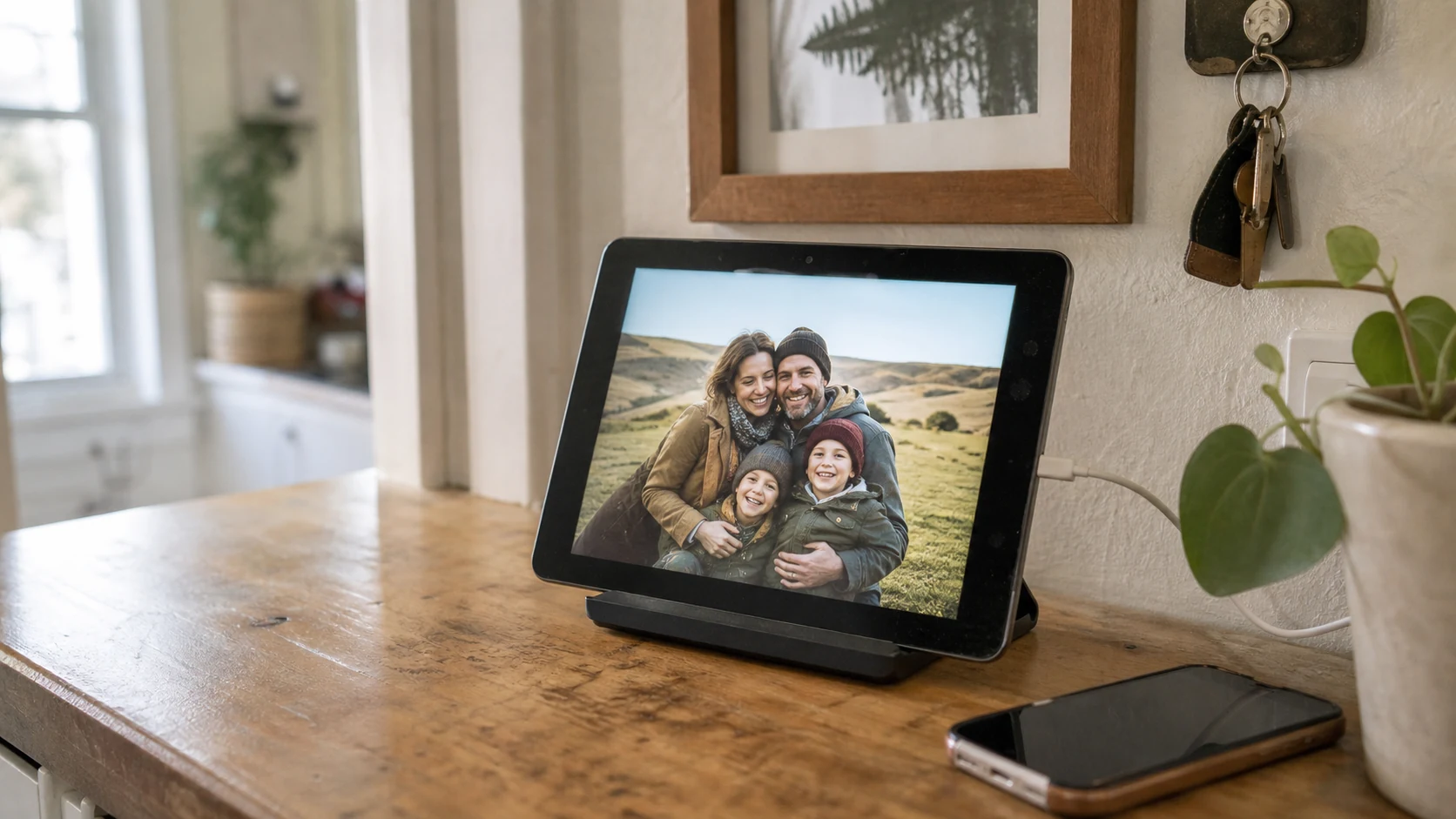
Yes, you can turn a spare iPad into a digital media frame if it still runs modern apps smoothly, connects reliably to Wi-Fi, and handles photos and videos without struggling. A tablet that merely turns on is not automatically a good frame.
The right candidate is a spare iPad you would still trust for everyday media playback, not an obsolete device rescued from the back of a drawer. Start with capability, then decide whether reuse makes more sense than buying dedicated hardware.
#What does an iPad need to work as a digital photo frame?
For LumiFrame, the installation minimum is iOS/iPadOS 15.5, which reaches back to the iPad Air 2, iPad mini 4, iPad (5th generation), and every iPad Pro. Android tablets need Android 7 or later. Those numbers tell you whether the app can be installed. They do not guarantee that every transition, video, or long slideshow will feel smooth.
On-device face recognition and passkey sign-in need iOS/iPadOS 16. On iOS/iPadOS 15, use another sign-in method; the app skips face recognition while photo and video slideshows remain available.
A good software frame needs:
- A supported operating system
- Responsive everyday performance
- Reliable Wi-Fi
- A healthy charging connection
- A screen that still looks good from across the room
- Smooth playback of the photos and videos you actually plan to show
If the tablet freezes in Safari, drops Wi-Fi, overheats during video, or takes several seconds to react to a tap, it is unlikely to become calmer when used as a frame.
#Minimum requirements are not performance recommendations
Operating system requirements are a compatibility floor. They are not a promise that the oldest compatible iPad will deliver the best digital photo frame experience.
Still-photo slideshows are relatively light. Video playback, transitions, cloud sync, and continuous sessions ask more of the processor, memory, battery, and network connection. A newer entry-level tablet can outperform a once-premium device that is now a decade old.
Use this rule: if you would still watch a full-length video or browse a modern photo library on the device, it is worth testing as a frame. If you retired it because normal apps became frustrating, keep it retired.
#Run this five-minute spare iPad readiness test
Before buying a stand or planning a permanent location, test the tablet under realistic conditions.
- Update it to the newest iOS version the device supports.
- Connect it to the Wi-Fi network where the frame will live.
- Play several high-resolution photos and at least two videos.
- Leave the slideshow running for five minutes.
- Check for stuttering, delayed controls, heat, dimming, or lost Wi-Fi.
Also inspect the charging port and cable. An always-on display that charges only when the connector is held at an angle will not become a reliable part of the room.
#Which display settings make an iPad feel like a frame?
Once the device passes the performance test, a few settings make the difference between a tablet left on a counter and an intentional media display.
- Brightness: Choose a level for the room, not the maximum the screen allows.
- Auto-Lock: Keep the screen awake while the frame is docked and playing.
- Orientation: Pick portrait or landscape to suit the stand and the media you show most often.
- Notifications: Silence distracting alerts so messages do not appear over your photos.
- Focus mode: Use a dedicated Focus if the tablet still receives calls or personal notifications.
The goal is not to strip away every control. It is to keep the viewing surface calm while the detailed slideshow and album controls remain available when you need them.
#How should you handle power, heat, and placement?
A tablet used as a digital frame usually lives on power. Place it near an outlet, use a dependable cable, and keep the connector free from tension.
Avoid direct sunlight and enclosed shelves where heat can build. Lower brightness if the back of the iPad becomes consistently warm. A stable stand with space for airflow is better than a tight decorative enclosure that traps heat.
For placement, choose a room where people naturally pause:
- A kitchen counter away from water and cooking heat
- A hallway console
- A living-room shelf
- A home office desk
- A guest-room nightstand
The best position is visible without demanding attention.
#Why do shared albums matter more than the screen?
A local slideshow can be pleasant, but a shared album is what keeps a digital frame current.
When several people can add photos and videos from their own phones, the display changes without someone connecting a cable or rebuilding a folder. New memories arrive from birthdays, trips, school events, and ordinary afternoons.
That is where software-first framing becomes valuable. The iPad is one possible display. The album and the people contributing to it are the lasting system.
#When is a dedicated digital frame the better choice?
Reuse is not automatically the smartest option. A dedicated frame can be better when:
- The spare iPad is slow, unsupported, damaged, or unreliable
- You want a sealed gift with minimal setup decisions
- The recipient wants a single-purpose appliance
- You prefer hardware designed for continuous display from the start
- Buying a stand, cable, and replacement battery would erase the savings
LumiFrame is the stronger fit when you already have capable hardware, want detailed control over albums and playback, or plan to use several phones, tablets, and TVs as part of the same system.
#How do you set up the iPad as a digital frame?
Once the tablet passes the readiness test, the practical setup is short:
- Put the iPad on a stable stand near power.
- Install LumiFrame and sign in.
- Create or choose an album.
- Assign the album to the iPad as a frame.
- Start the slideshow and adjust timing, transitions, and content settings.
- Invite trusted contributors if you want the album to update collaboratively.
Leave it running for a week before buying a permanent mount. A real trial will tell you more than the model number alone.
#Frequently asked questions
#Can any old iPad become a digital photo frame?
No. It must run iOS/iPadOS 15.5 or later to install LumiFrame, and it should still handle modern photo and video playback smoothly. That includes the iPad Air 2, iPad mini 4, iPad (5th generation), and every iPad Pro when updated to a supported OS. An obsolete or unreliable iPad is not a good candidate simply because its screen turns on.
#Will leaving an iPad plugged in damage it?
Modern devices manage charging, but continuous use still creates heat and battery wear. Use a sound cable, provide airflow, avoid direct sunlight, and stop using a device with a swollen battery or damaged charging port.
#Is an iPad better than a dedicated digital frame?
It depends. A capable spare iPad offers flexibility and detailed software controls. A dedicated frame can be simpler when you want a single-purpose appliance or have no suitable tablet available.
#Can other people add photos remotely?
Yes. LumiFrame shared albums let invited people contribute from their own supported devices. Album permissions determine who can view, add memories, or manage the collection.
LumiFrame turns capable tablets into remotely managed media frames with shared albums, photos and videos, and detailed playback controls. The important word is capable: test the hardware first, then give it a permanent place in the room.
#Keep reading
Turn a spare iPad into a frame · Your Frames guide · Software frame or dedicated hardware?